





ClockingCloud
Now opening to the public

GPUs for pixels.

ClockingCloud provisions GPUs optimized for image and video generation. Install it, run your model, ship.

One command. Starts in seconds. Pay per second.

Brand film frame of a woman walking a sunlit Mediterranean streetVideo
0:05
Fashion catalog photo of a model in a camel wool coatImage
Restaurant menu photo of fresh tagliatelle with tomatoes and basilImage
Skincare product photo on a pale stone surfaceImage

Illustrative examples of what you will generate.

01The platform

Your workloads in. Pixels out.

ClockingCloud sits between your code and the GPUs. You send a request. We handle everything in the middle.

Your workloads

  • Your appOne API call
  • Your pipelineAny workflow
  • Your batch jobsThousands at once

ClockingCloud

One layer. Everything below is handled.

  • Picks the right GPU
  • Optimizes your model
  • Scales up and to zero
  • Traces and bills every request

GPUs

  • L40S

    48 GB

    Fast images

  • H100

    80 GB

    Images and video

  • H200

    141 GB

    Large video

  • B200

    192 GB

    The biggest jobs

  • 0

    Infra complexity

    No drivers, containers, clusters or autoscalers. You bring the model. We run everything under it.

  • 100%

    Production grade

    Warm pools, autoscaling, retries and tracing from the very first request.

  • 1

    Simple cost model

    Pay per second of GPU. It scales to zero, so idle time costs nothing.

Targets, not measured results.

02Why ClockingCloud

Image and video need their own GPU cloud.

General-purpose clouds rent you a machine and leave the rest to you. ClockingCloud is tuned for one job: generating pixels, fast and cheap.

A general GPU cloud

  • Setup

    Drivers, CUDA, containers and configs.

  • Cold start

    Minutes to load model weights.

  • GPU choice

    You guess, then overpay.

  • Idle cost

    You pay for boxes doing nothing.

ClockingCloud

  • Setup

    One command.

  • Cold start

    Under 2 seconds, with warm pools.

  • GPU choice

    Picked for every job.

  • Idle cost

    Scales to zero.

Cold start and scaling figures are launch targets.

03Config as code

Don't pay for GPUs while you debug.

Everything is a YAML file. Check it in, review it, and deploy it from CI/CD. Use the API to provision, start, stop and manage instances.

clockingcloud.yaml
# clockingcloud.yaml
name: product-shots
model: z-image-turbo
gpu: auto              # L40S, H100, H200 or B200
scale:
  min: 0
  max: 8
idle_timeout: 60s      # stop the GPU when it goes quiet

setup:
  - pip install -r requirements.txt
  - python warm_cache.py

storage:
  - mount: /data
    source: s3://brand-assets
  - mount: /out
    volume: global://renders
Provision, start, stop
# provision from CI/CD
curl -X POST https://www.clockingcloud.com/v1/instances \
  -H "Authorization: Bearer $CLOCKINGCLOUD_API_KEY" \
  -H "Content-Type: application/yaml" \
  --data-binary @clockingcloud.yaml

POST /v1/instances/{id}/start
POST /v1/instances/{id}/stop
GET  /v1/instances/{id}
  • clockingcloud dev

    Debug on CPU first

    Run and fix your setup scripts in a CPU sandbox with the same image. A GPU only attaches when your job really needs it.

  • clockingcloud plan

    Plan before you spend

    Validate the YAML and see the GPU and the estimated cost before anything starts.

  • idle_timeout: 60s

    Fail fast, release fast

    If setup breaks or the instance goes quiet, the GPU is released. No idle bill while you debug.

04The harness

A harness around every model.

ClockingCloud wraps the model with the serving, caching and storage around it. Connect the drives you already use, or use native ClockingCloud Global Volume storage.

  • Amazon S3

    clockingcloud drive connect s3://bucket

  • Azure Blob Storage

    clockingcloud drive connect azure://container

  • Google Cloud Storage

    clockingcloud drive connect gs://bucket

  • ClockingCloud Global Volume

    clockingcloud volume create renders --size 500

    Native

ClockingCloud harness

  1. 1

    Serve

    Open models run with optimized settings for each GPU.

  2. 2

    Cache

    Datasets and weights are cached next to the GPU.

  3. 3

    Write back

    Checkpoints and renders land back on your drive.

Your models, your data, one config.

05Models

Built for image and video. Nothing else.

Not a general-purpose cloud. For each launch model you see what it is best at, what it outputs, how fast we aim to run it and which GPU we pick for it.

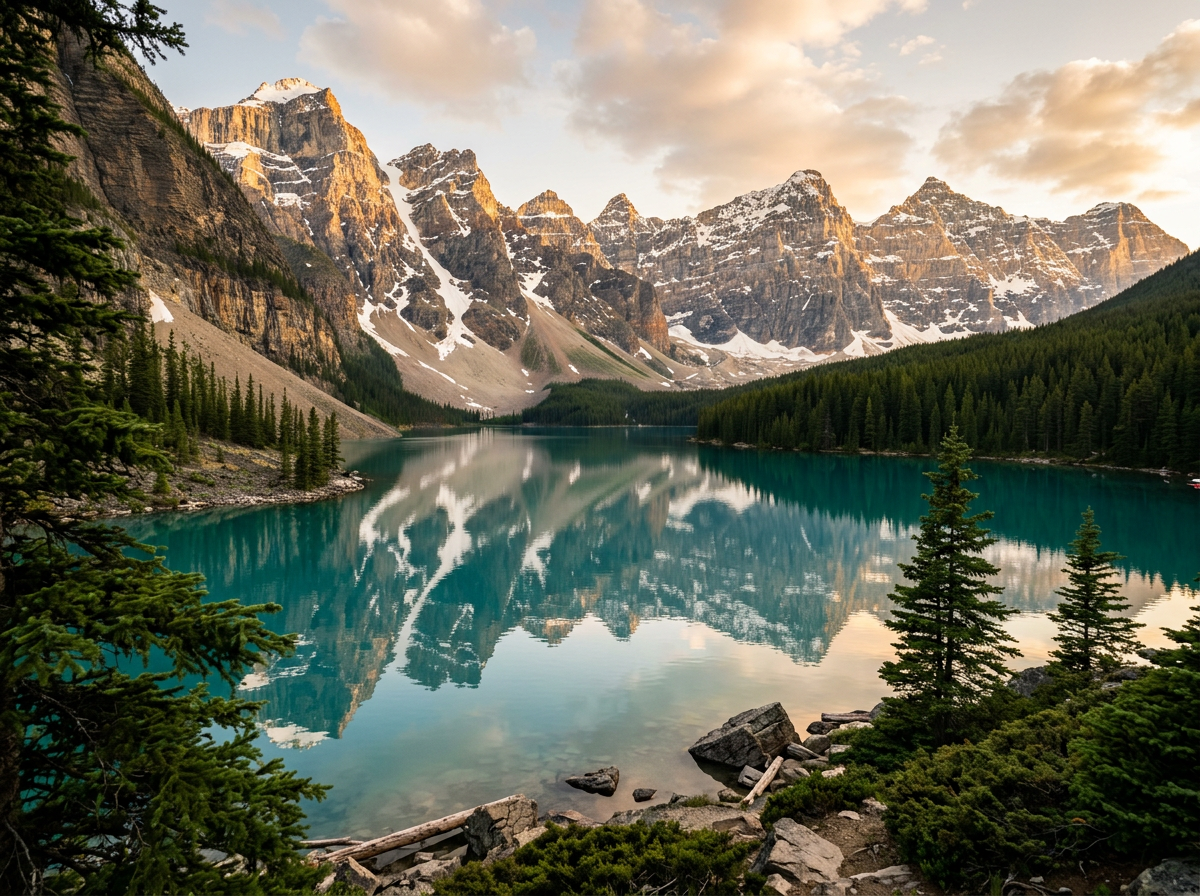
Alpine mountain lake at golden hour
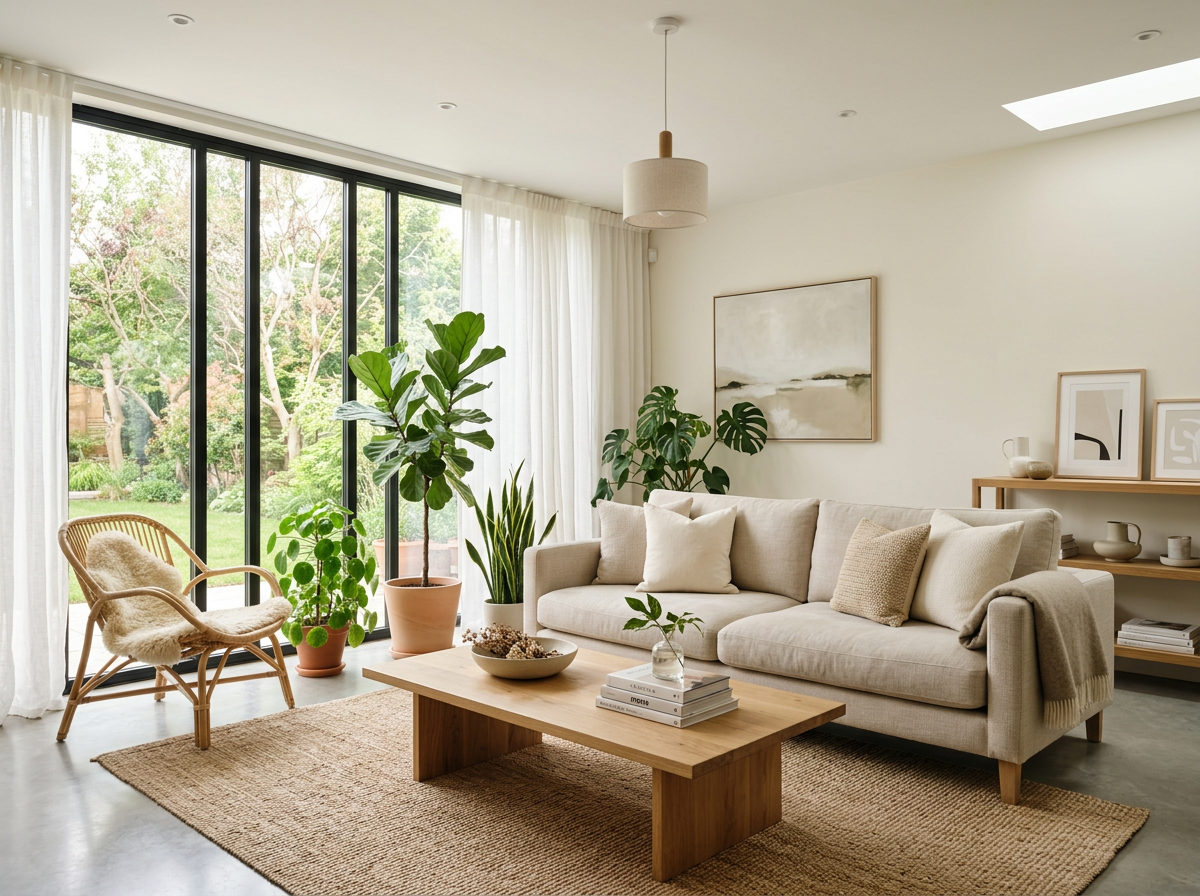
Bright modern living room interior

Image

Photos, product shots, portraits and art.

Launch lineup
  • Z-Image Turbo

    Fast photoreal images and product shots

    Output
    Up to 2 MP
    Target speed
    ~1 s per image
    GPU
    L40S
  • Qwen-Image-Edit

    Editing an image from a text instruction

    Output
    Up to 1 MP
    Target speed
    ~3 s per edit
    GPU
    H100
  • Qwen-Image

    Images with accurate text in them

    Output
    1328 x 1328
    Target speed
    ~2 s per image
    GPU
    H100
Aerial drone frame of a coastal resort with an infinity pool
0:05
Model in a white coat walking down a foggy street

Video

Clips from a prompt or from a single image.

Launch lineup
  • Wan

    Text to video and image to video

    Output
    720p, 24 fps
    Target speed
    ~40 s per 5 s clip
    GPU
    H200
  • HunyuanVideo

    Cinematic motion and detail

    Output
    720p, 5 s clips
    Target speed
    ~60 s per 5 s clip
    GPU
    H200
  • LTX

    The fastest drafts and previews

    Output
    24 fps, 5 s clips
    Target speed
    ~10 s per 5 s clip
    GPU
    L40S

Bring your own model

Point the CLI at a folder. We handle the rest.

clockingcloud deploy ./my-model

Speeds are targets, not measurements. Images are illustrative.

06How it works

Three steps. That's it.

  1. 1
    brew install clockingcloud

    One command sets up everything.

  2. 2
    clockingcloud run <model>

    Pick a model. We pick the GPU.

  3. 3
    clockingcloud top

    Watch it scale up, then down to zero.

clockingcloud ~/studio
$ brew install clockingcloud
==> Installing clockingcloud
==> clockingcloud is ready
$ clockingcloud login
-> signed in
$ clockingcloud run z-image-turbo --prompt "a neon city at dusk" --gpu auto
-> provisioning H100 80GB (us-east) ... warm in 1.8s
-> compiled kernels, fp8, cached weights
-> image ready in 0.9s  $0.0021
$ clockingcloud run wan-2.2 --video --seconds 5
-> scaling to 4x H200 ... 24 fps ... done in 38s
Example CLI session. Output is illustrative.

07Performance

Fast, because it only does one thing.

Every layer is tuned for image and video generation.

Launch targets. Goals, not measured results.

< 2s
Cold start
2x
Faster than stock PyTorch
80%+
GPU utilization
$0
When idle
  • Compiled models

    torch.compile and custom kernels, tuned per model.

  • Smaller and faster

    FP8 and INT8 quantization that keeps quality.

  • Always warm

    Cached weights and warm pools skip the wait.

  • Shared work

    Dynamic batching keeps every GPU busy.

  • Fast video

    Multi-GPU sequence parallelism splits long clips.

  • Right-sized

    Picks L40S, H100, H200 or B200 for each job.

08Observability

Know exactly what every image costs.

Built in from the first request. No setup, no extra tools. Four questions, answered live.

  • Is it fast?

    p50 and p95 latency for every model.

  • Is the GPU busy?

    Utilization and queue depth, live.

  • What did it cost?

    Cost per image and per second of video.

  • Where did the time go?

    A trace for every request, from queue to upload.

z-image-turbous-east / 8x H100
Simulated data
p50 latency882ms
p95 latency1.46s
Queue depth5req
Frames / sec23.8fps
Cost / image$0.0021
Cost / video sec$0.032

GPU utilization

live
  • gpu078%
  • gpu197%
  • gpu279%
  • gpu371%
  • gpu469%
  • gpu575%

Request trace

queue > load > denoise > decode > upload
trace req_8f3a / z-image-turbo874 ms
queue
44ms
load
69ms
denoise
651ms
decode
80ms
upload
30ms
clockingcloud logs --followclockingcloud topOr watch it all from your terminal. Mockup with simulated numbers.

09Pricing

Pay per second of GPU. Scale to zero.

Per-second billing

Pay for GPU seconds, not idle hours.

Scale to zero

No traffic means nothing on the bill.

No commitments

No reservations and no minimums.

PricingPrepaid credits
ClockingCloud

One command. Every frame.

The platform is opening to the public. Create your account, add funds, and run your first GPU for pixels.